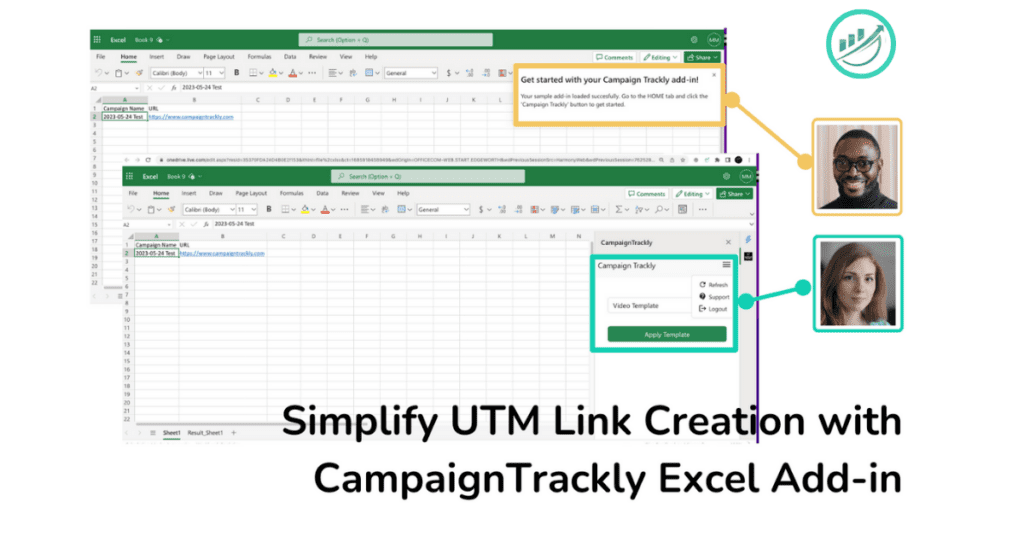
Build Campaign URLs directly from Excel*. Get started in 2 simple steps:
- Go to Integrations> API Key available on the main menu and click the button to activate your token.
- Open any Excel Sheet and add the CampaignTrackly Add-in
- Add Campaign Name and Link Columns
- Login and select a template – you are done!
*Pro Excel+AI plan or Enterprise plan needed
Once You have Connected and Tested that It works:
- Feel free to add your own UTM and Custom Tags in Your Library
- Create your Drag&Drop Templates